
AI WFM Transition Guide: Migrating Without Floor Chaos
Transitioning to AI workforce management software? Learn how to migrate from legacy spreadsheets, maintain schedule accuracy, and preserve team trust.
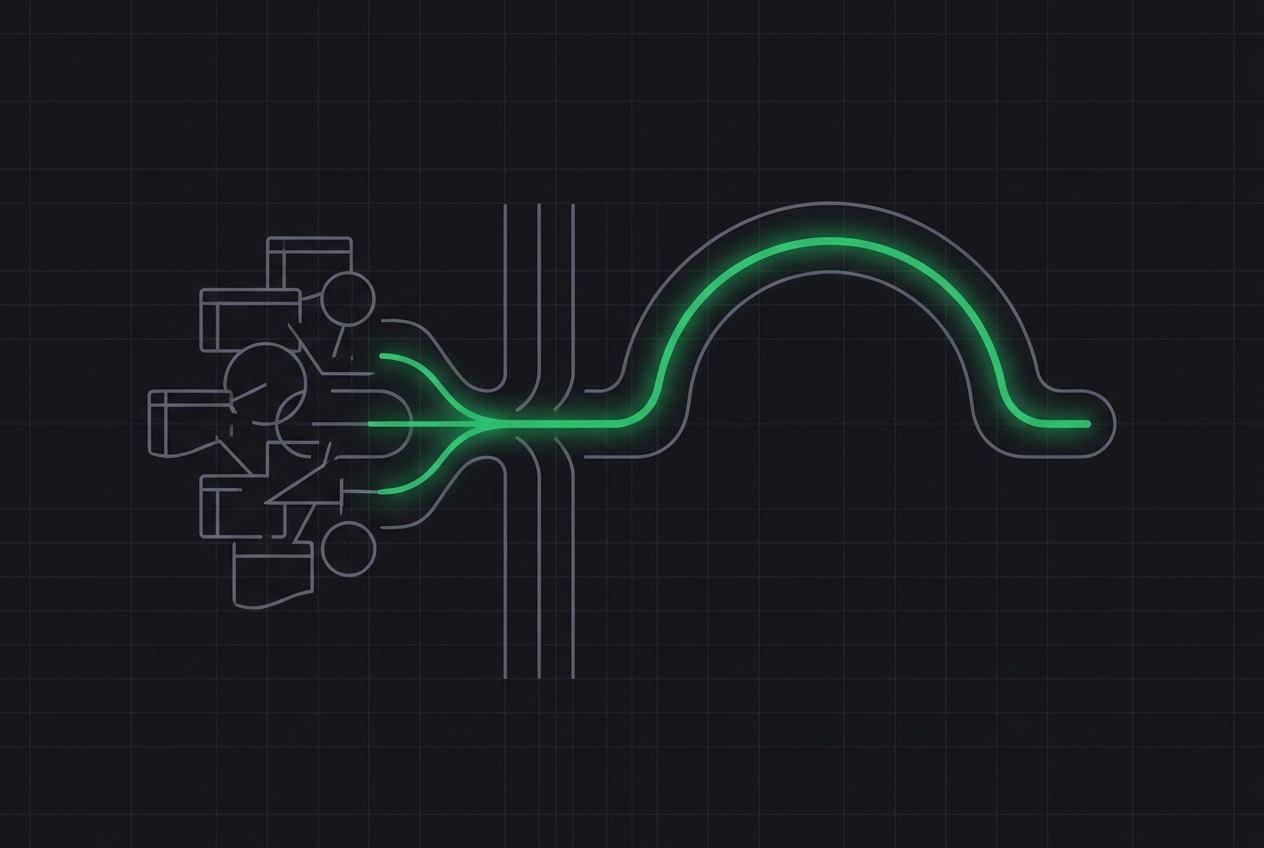
Transitioning to AI workforce management software requires a phased implementation strategy that runs parallel to your legacy systems, cleanses historical data anomalies, and actively manages agent change resistance. Successful operators avoid a "cold turkey" switchover, opting instead for a four-to-six-week calibration period to validate the AI's predictive accuracy against real-world floor performance. By systematically aligning your data, technology, and team culture, you can unlock automated scheduling without disrupting daily service levels.
Key Takeaways
- Run parallel systems: Keep your legacy spreadsheets or basic Erlang tools active for at least 30 days to benchmark the AI's forecasting accuracy.
- Sanitize historical data: Strip out historical anomalies, such as one-off marketing campaigns or severe outages, so the machine learning model does not build schedules around non-recurring events.
- Involve agents early: Build trust by showing agents how automated scheduling and self-service shift swaps improve their work-life balance.
- Audit your shrinkage assumptions: Ensure your shrinkage calculations are accurately mapped in the new platform to prevent under-staffing on high-volume days.
Why Migrate to AI Workforce Management Software Now?
Legacy Erlang-C models and static spreadsheets are no longer sufficient for modern, multi-channel contact centers. Traditional forecasting methods struggle with multi-skill routing, asynchronous messaging channels, and sudden swings in customer behavior. AI workforce management software solves this by analyzing multi-dimensional data points to predict contact volumes, handle times, and agent occupancy rates with far greater precision.
However, migrating to an AI-driven platform is not a simple plug-and-play software installation. It is an operational transformation. If you feed the AI dirty historical data, it will produce inaccurate schedules. If you fail to prepare your team for automated scheduling rules, agent attrition will spike. A successful transition is built on operational discipline, not software promises.
Step 1: Clean and Prepare Your Historical Contact Data
To build a reliable AI forecasting model, you must first sanitize your historical interaction data. AI models look for patterns in your past queue data, meaning any historical data points that do not represent normal business operations will skew your future forecasts.
Begin by pulling 12 to 24 months of historical interaction data from your ACD (Automatic Call Distributor) or ticketing platform. Work with your operations team to identify and flag the following anomalies:
- System outages: Days where your systems went down, causing handle times to spike or call volumes to artificially drop.
- One-off promotional events: Highly specific marketing campaigns that generated temporary volume surges that are unlikely to repeat on the same dates.
- Data logging errors: Periods where tracking broke or agents were misclassified in the system.
Most enterprise AI WFM platforms, such as NICE or Verint, allow you to exclude or smooth out these anomalous data points during the initial data ingestion. Taking the time to manually clean this data ensures your AI starts with a realistic baseline.
Step 2: Run Parallel Forecasting to Calibrate the AI
Do not turn off your legacy scheduling system on day one; instead, run both systems in parallel for a minimum of four weeks. During this parallel run phase, you will generate forecasts using both your legacy spreadsheet models and the new AI engine, comparing both outputs against actual incoming volumes.
Create a daily variance scorecard to track the performance of both systems. Monitor the following metrics:
- Forecasted vs. Actual Volume (by interval): How closely did each system predict the actual contact volume in 15- or 30-minute increments?
- Average Handle Time (AHT) variance: Did the AI accurately predict AHT fluctuations across different times of day?
- Staffing requirements: Did the AI's recommended staffing levels match the actual floor coverage needed to meet your SLA?
This parallel phase is also the time to audit your baseline staffing assumptions. If your input assumptions for training time, coaching, or absenteeism are incorrect, the AI's schedules will fail. Ensure your team has a firm grasp on measuring and managing shrinkage so these variables are accurately represented in your new software's configuration rules.
Step 3: Manage Agent Change and Automated Rules
The greatest risk to a successful WFM software migration is not technical failure, but agent rejection. When schedules suddenly change, or when automated bidding algorithms take over, agents can feel micromanaged or unfairly treated.
To mitigate this, implement a structured change management communication plan similar to the strategies used when rolling out AI-assisted QA. Focus on the concrete benefits the new system offers to the frontline staff:
- Faster time-off approvals: Show agents how the AI can instantly approve leave requests based on real-time staffing capacity, removing the traditional multi-day wait for a supervisor's manual review.
- Self-service shift swaps: Demonstrate how the mobile app allows them to trade shifts directly with peers without waiting for WFM intervention.
- Fairness in scheduling: Explain how the algorithm distributes unpopular shifts (like weekends or late nights) equitably across the entire pool based on transparent rules.
Conduct hands-on training sessions with your team leads and supervisors before launching the agent portal. Your supervisors must be prepared to answer agent questions and champion the new technology on the floor.
Step 4: Refine Your Intraday Management Processes
AI workforce management software changes the role of your real-time analysts from manual fire-fighting to strategic oversight. Instead of spending hours manually moving agents between queues or updating schedules in a spreadsheet, your real-time team will focus on managing intraday exceptions.
During the transition, update your standard operating procedures (SOPs) for intraday management. The AI platform will automatically flag real-time adherence discrepancies and suggest schedule optimizations. Your analysts must learn to trust these automated recommendations while maintaining the human oversight needed to handle sudden, localized crises.
For a step-by-step breakdown of how to structure your real-time operations, refer to our comprehensive guide on running the floor hour by hour. Aligning your real-time team with the AI's automated triggers is crucial for maintaining consistent queue performance.
FAQ
How long does a typical AI WFM software implementation take? For a mid-sized to enterprise contact center (100 to 1,000+ agents), a standard implementation takes between 8 to 12 weeks. This timeline includes data integration, historical data cleaning, system configuration, parallel testing, and agent training.
Can AI WFM completely automate intraday management? While AI can automate queue balancing, schedule adjustments, and basic adherence alerts, it cannot replace human judgment entirely. Real-time analysts are still required to handle unexpected localized events, coordinate with operations leaders, and manage complex agent exceptions.
How many months of historical data does the AI need to forecast accurately? Ideally, you should provide at least 24 months of historical interaction data. This allows the machine learning algorithms to accurately identify year-over-year seasonal trends, holiday patterns, and recurring monthly cycles. If 24 months is unavailable, a minimum of 12 months is required for basic forecasting.
What is the best way to handle shift bidding during a migration? Transition to automated shift bidding gradually. Start by running a mock bid using the new system to let agents practice using the portal. Once agents are comfortable with the interface, execute your first live bid, ensuring you have a dedicated support channel open to resolve any technical issues or ranking disputes immediately.
Ready to optimize your real-time operations alongside your new software? Check out our tactical guide on The Intraday Playbook: Running the Floor Hour by Hour to keep your service levels steady.